Vulnerabilities of email as a corporate communication channel
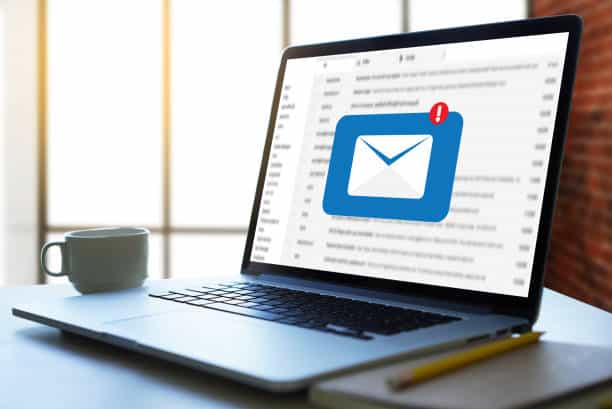
Email is one of the most widely used means of communication on the Internet in recent times. However, it is true that even though security has improved, email still has vulnerabilities that allow cybercriminals to steal users’ personal information. Security weaknesses in email allow malicious emails to bypass security barriers without any problem. One of these problems is the sending of malicious attachments. Although email systems can detect whether an attachment is malicious, cybercriminals are refining their techniques to send this type of content in a way that appears trustworthy.Users are becoming increasingly vigilant about these types of threats and block them when they see something unusual, but cybercriminals are constantly changing their techniques to infiltrate their threats and avoid being blocked in email.It is important to note that we can fall victim to a type of attack called phishing through links shared via email. These links lead to fake websites that appear legitimate and official, allowing attackers to steal login credentials or any other type of confidential information.“Cybercrime is currently a $445 billion industry”Source: Harvard Business Review
When should the first alarms go off?
- We are suspicious of the sender
- The email contains a suspicious attachment or asks us to click on a link
- The email conveys a sense of urgency
- There are spelling mistakes
Find out if you’re vulnerable to email attacks
Cybersecurity is one of today’s fastest-growing sectors and one of the most essential tools for businesses. Email attacks are one of the biggest headaches. In a globalized world, with a constant flow of data and interaction, it’s easy for viruses, Trojans, ransomware, and any type of malware to slip through at some point if you’re not prepared.‘7 out of 10 attacks in the cybersecurity sector come via email’Source: Check Point
What are cyberattacks?
A cyberattack is a set of offensive actions against systems and information. They can have different objectives, such as attacking computers and systems to disrupt the services your company provides, stealing information stored in databases, or stealing the identities of your employees to commit fraud.The most common entry point for cyberattacks is email“Three out of five companies are considering not relying on this channel for the bulk of their communication”SIC – August 2020 IssueProtect your communications with Tranxfer. The B2B platform for comprehensive management of sending and receiving documents with traceability and security
Types of Cyberattacks
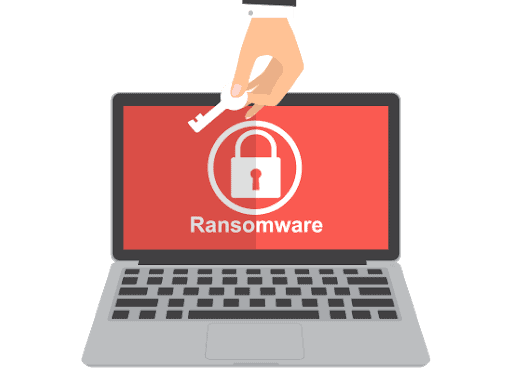
1. Ransomware or ‘Data Kidnapping’
2. Phishing
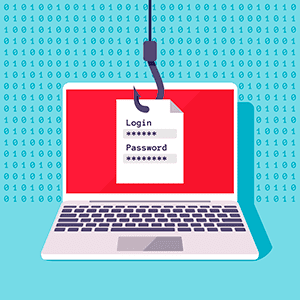
It is the deception technique that seeks to impersonate a trusted person, company, or service in order to manipulate the victim and make them perform certain actions, such as providing passwords and login credentials.3. CEO Fraud
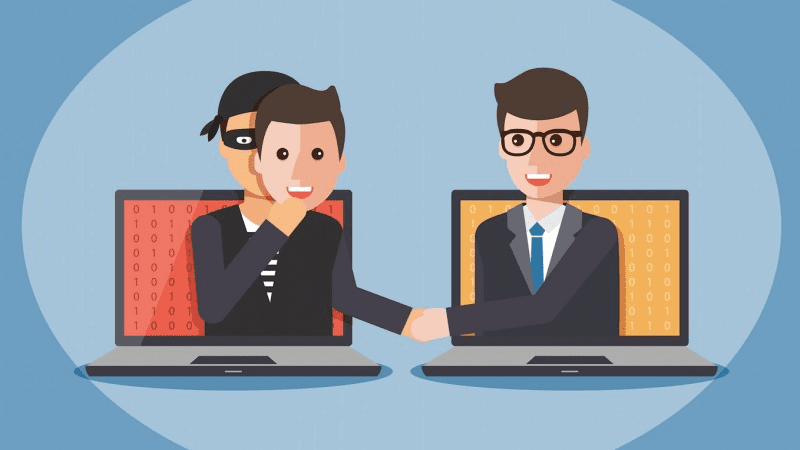
4. ‘Man-in-the-middle’
In this case, the fraudster is able to read, add, and modify messages between two parties.For example, by infiltrating one of your customers or suppliers to intercept invoices and purchase orders associated with payments; in this case, the bank details would be altered so that transfers go to unauthorized accounts, thereby committing fraud.The four most common attacks:
Phishing:
It is a cyberattack technique that aims to steal confidential business information. They pretend to come from a known contact. They disguise themselves using official company logos and target vulnerable accounts and lower-level employees. The best protection against this type of attack is a channel that monitors the company’s communications.Spoofing:
This is a strategy used during spam and phishing attacks. In these attacks, fthe header of an email is forged to make it appear as though it originated from within the company. The goal is to confuse employees into providing sensitive information or performing banking-related tasks. While vigilance is the best way to combat phishing attacks, companies should also look for software that enhances email security.Malware:
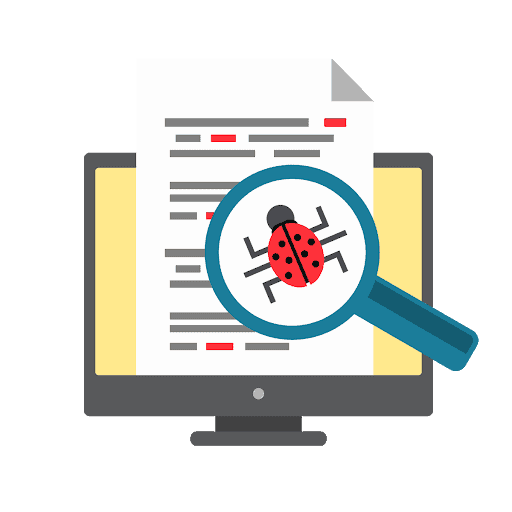
- It is sent via email during phishing and spam attacks.
- Multiple emails are sent containing a virus while impersonating a company
- Once opened, the malware infects the system and causes damage.
Ransomware:
Ransomware is a specific type of malware that attacks the entire computer system and blocks user access until the demanded ransom is paid. It should be noted that making the payment does not guarantee the release of the data, as often, even the attackers do not know how to decrypt or reverse the changes made. Email security threats like this one typically occur during other large-scale attacks that target multiple users within the company.How can we prevent these attacks from our workplace?
- Do not click on unknown or suspicious links or attachments
- Never enter credentials or give passwords to third parties
- Do not share valuable information via email
- Delete attachments from your inbox so they aren’t exposed
- And use secure, encrypted methods for sending and receiving data

Your ally against cyberattacks on your company.
Interesting facts: Did you know?
“Restoring a company’s reputation alone costs around €200,000. But that’s not all—60% of organizations disappear within 6 months of suffering a breach of sensitive information.”Cybersecurity News
“99% of email attacks rely on victims clicking on a link.”“60% of thefts occur electronically (phishing, privilege escalation, WannaCry, etc.).”Cybersecurity News
“75% of organizations have experienced significant impacts on their operations, and 47% on their finances, due to email attacks. Spain has the highest percentage of security incidents in Europe resulting from companies opening unsolicited emails: 54%, compared to the European average of 41%. Last year, 37% of Spanish CISOs dealt with incidents resulting from password theft via ‘phishing.’”ABC Newspaper
Tranxfer as a solution
Easily protect your organization’s information exchange- Send files and receive files with no size limit, and securely.
- The tool offers traceability and continuous auditing; monitoring, delivery confirmation, views, and/or downloads.
- Advanced security policies and an easy-to-use user and administrator interface, available as a web version or O365 plugin.
- We offer APIs and plugins for integration with other systems
- We can integrate with SIEM, Active Directory and offer different deployment options
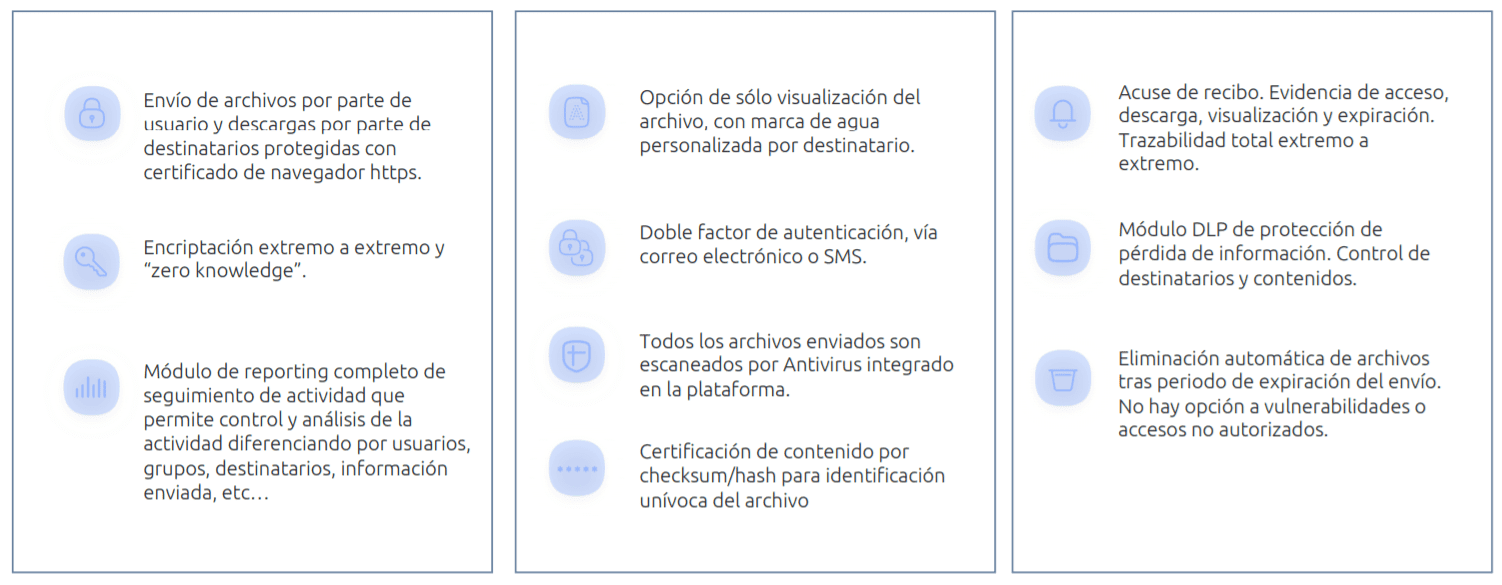
- Send and receive files securely
- Choose your sending and viewing preferences
- Prevent malware from entering and leaving your system
- Control data leaks
- End-to-end encryption
More than 1 million licensed users
More than 5 million viewers
Contact us for more information: [email protected] or through our social media: