
<div class=”page” title=”Page 2″>
<div class=”section”>
<div class=”layoutArea”>
<div class=”column”>
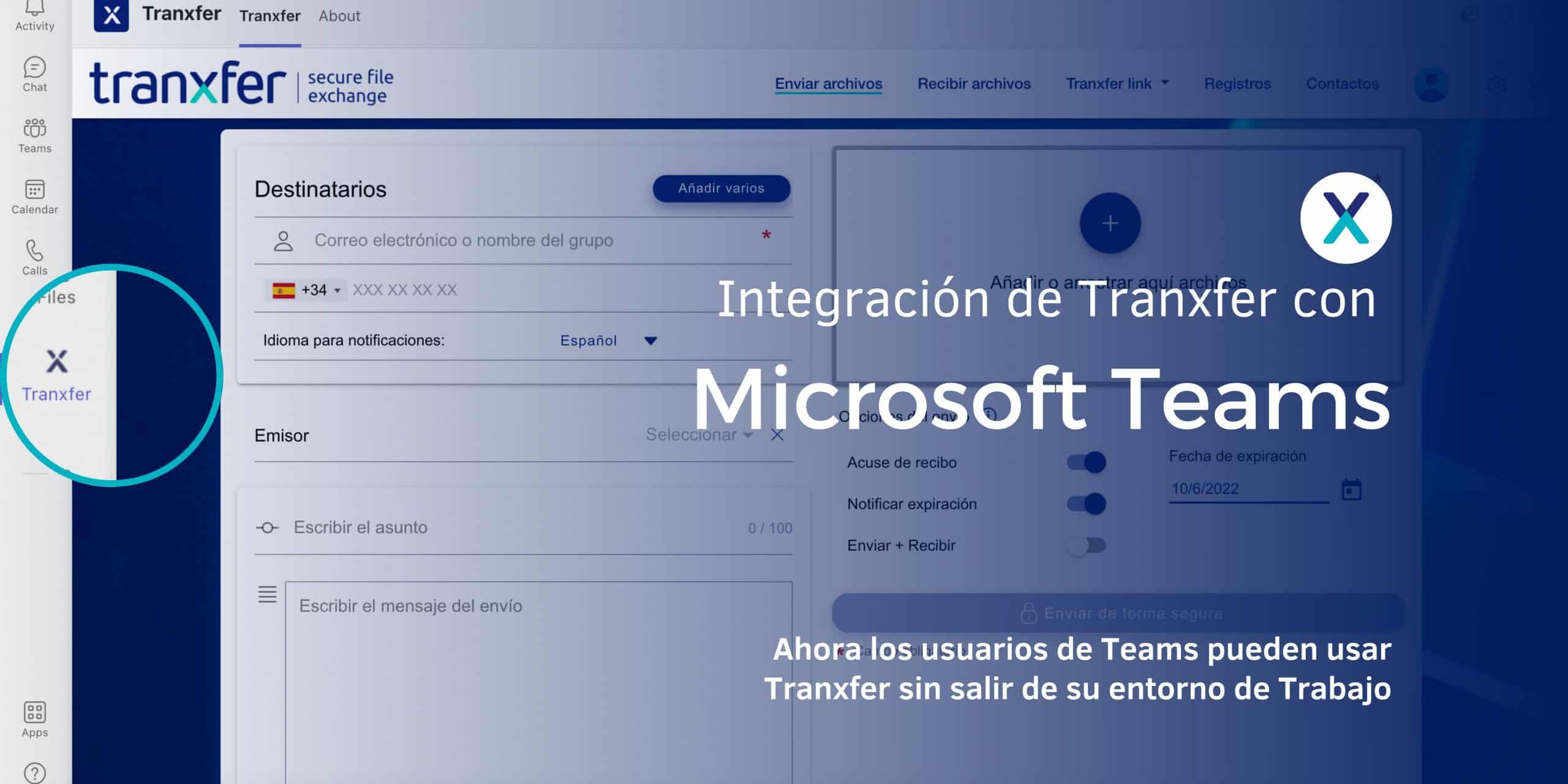
Microsoft Teams is Microsoft’s online work environment for businesses. It integrates all collaborative applications—such as chat, calls and meetings, the calendar, and OneDrive or SharePoint for sharing information—into a single ecosystem. Starting now, it is also possible to integrate Tranxfer as a plugin.
<div class=”page” title=”Page 2″>
<div class=”section”>
<div class=”layoutArea”>
<div class=”column”>
Tranxfer prioritizes ease of use, which is why it includes integrations with the most popular corporate services to simplify access for users. The goal of this integration is to make things easier for both users and administrators, encouraging adoption so they can use Tranxfer without having to leave their usual workspace.
With a simple click on the “pinned” Tranxfer app in the left-hand app bar in Teams, you can quickly and easily access all the services Tranxfer offers.
</div>
</div>
</div>
</div>
<h3 class=”fusion-responsive-typography-calculated” style=”–fontsize: 42; line-height: 1.3;” data-fontsize=“42” data-lineheight=“54.599998474121094px”>Why this integration?</h3>
<div class=”page” title=”Page 1″>
<div class=”section”>
<div class=”layoutArea”>
<div class=”column”>
Tranxfer offers additional advantages over other types of applications that were not designed specifically for file transfer. It provides companies with a secure communication channel featuring the following characteristics:
<div class=”page” title=”Page 1″>
<div class=”section”>
<div class=”layoutArea”>
<div class=”column”>
<ul>
<li>File traceability</li>
<li>End-to-end encryption</li>
<li>GDPR compliance</li>
<li>Automatic file expiration and deletion</li>
<li>Built-in antivirus and DLP</li>
<li>API integrations</li>
<li>Microsoft and other plugins</li>
</ul>
The challenge Tranxfer aims to address with this integration is that, “Office users rarely leave the Microsoft work environment to share their files, as they consider the applications they use to be sufficiently secure.” To avoid switching between different platforms, they choose to use the one that’s most readily available or most convenient as their method of sending files. Now, with the “Plugin” in the Teams sidebar, it offers this easy access to Tranxfer without having to leave the work environment.
</div>
</div>
</div>
</div>
</div>
</div>
</div>
</div>
</div>
</div>
</div>
</div>